 English
 Deutsch
 Italiano
 Polski
 Français
 Español
 Português
 Tiếng Việt
 Türkçe
 Nederlands
 Română
 Čeština
 Melayu
 Bahasa Indonesia
Elevate your social media game with our premium Instagram Fonts Generator. In the visual-first world of Instagram, your text needs to be as stylish as your imagery. Whether you are crafting a standout bio, writing engaging captions, or adding flair to your stories, our tool lets you instantly convert standard text into dozens of unique Unicode styles that are 100% compatible with the Instagram app.
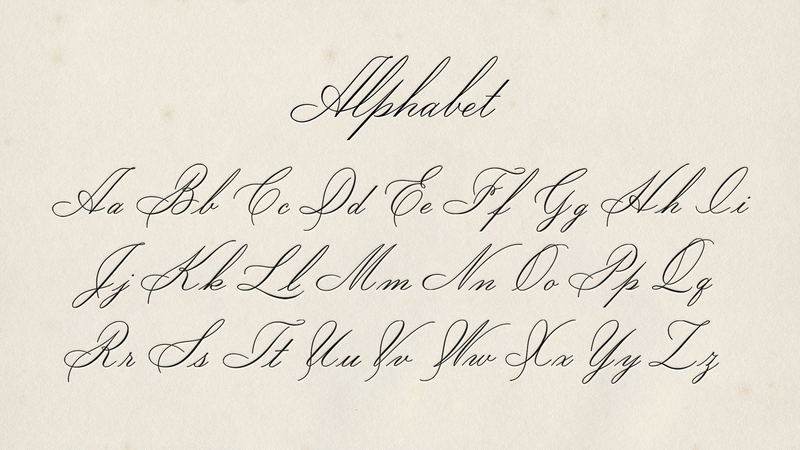
How to Use Stylish Fonts for Instagram Bio
Your bio is your digital first impression. Using a unique font can help express your personality and brand identity before a user even sees your posts. Simply type your name or short description into our tool, choose a style that fits your aesthetic—like elegant cursive or bold minimalist—and click copy. Then, paste it directly into the "Bio" section of your Instagram profile settings.
Remember: clarity is key. While fancy letters look great, ensure your username or critical info remains readable for your followers.
Maximizing Engagement with Custom Fonts
Beyond bios, custom fonts are powerful tools for captions and comments. They help break up long blocks of text and highlight specific keywords or calls to action. Use them to:
- Highlight "LINK IN BIO" announcements.
- Add decorative borders around your location tags.
- Create consistent brand headers for your IG Story captions.
Conclusion
Our Instagram Fonts Generator is designed for speed and creativity. Start experimenting with different styles today and watch your profile engagement grow through the power of professional digital typography.
Instagram Fonts: Frequently Asked Questions
Will these fonts get my Instagram account banned?
No. We use standard Unicode characters that are recognized by Instagram. It is safe and does not violate platform policies.
Why do some fonts look like boxes on older phones?
This happens if a very old device doesn't have the updated Unicode library. However, over 99% of modern smartphones will see your fonts perfectly.